
Creating a digital product suitable for draftsmen in the construction sector requires understanding their specific workflow and technical needs. This solution should streamline drafting processes, enhance accuracy, and facilitate seamless collaboration between architects, engineers, and contractors. Integration with industry-standard software and compatibility with various file formats are essential for maximizing productivity. Discover detailed ideas and strategies for developing an effective digital product tailored to construction draftsmen in the full article.
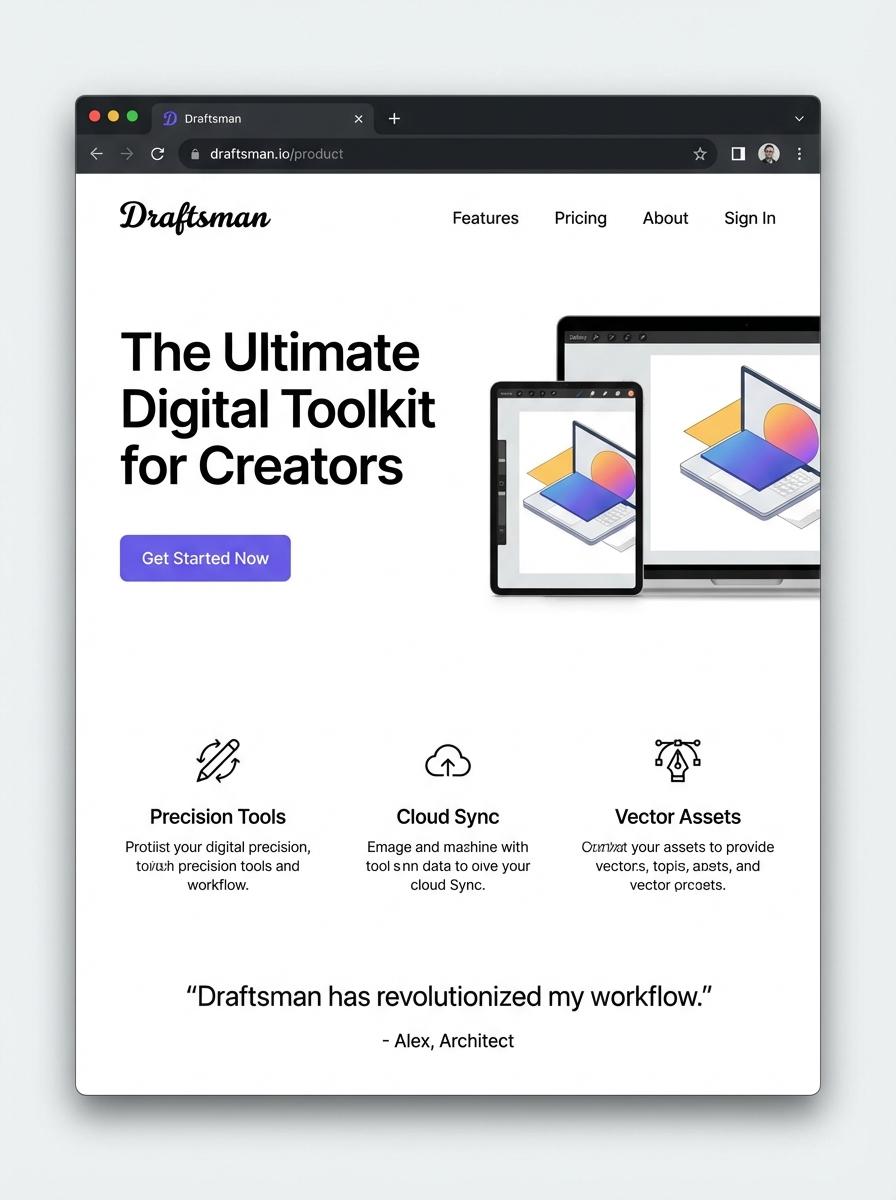
Illustration: Landing page for digital product for Draftsman
CAD Drawing Templates (DWG, DXF, PDF)
Creating CAD Drawing Templates in DWG, DXF, and PDF formats streamlines the design process for draftsmen by standardizing layout and scale across projects. These templates reduce errors and improve efficiency by providing precision-aligned grids and preset layers tailored for architectural, mechanical, or civil drafting. Optimized templates incorporate industry-standard annotations and dimensioning styles to support clear communication and documentation.
- Proficiency in CAD software such as AutoCAD, including layer management and template customization.
- Incorporation of essential template features like title blocks, standardized dimension styles, and scalable grid systems.
- Compatibility with multiple file formats (DWG, DXF, PDF) for seamless integration into various workflows.
Construction Detail Libraries (PDF, DWG)
Construction Detail Libraries tailored for Draftsmen offer comprehensive collections of PDF and DWG files, enabling precise and efficient drafting of architectural and structural details. These libraries consolidate standardized construction components and assembly methods to ensure uniformity and accuracy across projects. Access to such resources supports faster project turnaround and reduces errors in construction documentation.
- Proficient use of CAD software (AutoCAD, Revit) to manipulate DWG files efficiently.
- Detailed, high-resolution PDF and DWG files with clear annotations and scalable vector graphics.
- Compatibility with common drafting platforms and inclusion of region-specific construction standards.
Bill of Quantities / Takeoff Sheets (Excel)
Bill of Quantities (BoQ) and Takeoff Sheets in Excel enable draftsmen to accurately estimate material quantities and costs by systematically detailing each component within construction drawings. Excel's customizable grid structure and formula capabilities simplify updating itemized lists and calculations. Efficient BoQs help minimize project overruns through precise quantification aligned with architectural plans.
- Skill needed: Proficiency in Excel formulas, data validation, and basic VBA scripting.
- Product requirement: Customizable template supporting item breakdown, unit rates, and automatic summation.
- Specification: Ability to import CAD measurements and export summaries for client review.
Construction Drawing Sets (PDF)
Construction Drawing Sets in PDF format serve as essential blueprints for draftsmen to communicate precise architectural and engineering details. These sets include floor plans, elevations, sections, and detailed views, ensuring accuracy and consistency across project phases. Efficient digital organization and clear annotation improve collaboration among design teams and contractors.
- Skills needed: proficiency in CAD software, understanding of building codes, and ability to create detailed technical drawings.
- Product requirements: high-resolution PDF format, layered drawings with clear annotations, and compatibility with common CAD tools.
- Specifications: include scales, dimensioning, legend symbols, and conform to industry standards like ANSI or ISO.
3D Visualization Renders (JPEG, PNG, PDF)
Creating 3D visualization renders involves generating high-quality images like JPEG, PNG, and PDFs that represent detailed drafts and designs. These renders help draftsmen communicate spatial arrangements and material textures clearly to clients and contractors. Accurate rendering supports better decision-making and reduces errors during the construction phase.
- Skill needed: Proficiency in 3D modeling software and understanding of architectural drafting standards.
- Product requirement: High-resolution output formats including JPEG, PNG, and PDF for versatile sharing and printing.
- Specification: Accurate color representation and layered visuals to highlight construction elements and material finishes.
Drafting Standards and Symbols Guides (PDF)
Creating a Drafting Standards and Symbols Guide in PDF format requires comprehensive knowledge of engineering or architectural drafting conventions. The guide should detail standardized symbols, line types, and notation systems recognized internationally or by specific industries. Clear, precise visual representations paired with concise definitions ensure the guide's effectiveness for draftsmen.
- Skill needed: Expertise in technical drafting, CAD software proficiency, and understanding of industry standards (e.g., ISO, ANSI).
- Product requirement: High-resolution vector graphics for scalable symbols and layout consistency across devices.
- Specification: Searchable PDF format with organized sections, descriptive captions, and cross-references for ease of use.
Construction Detailing Video Tutorials (MP4)
Creating Construction Detailing Video Tutorials in MP4 format focuses on delivering precise and clear step-by-step guidance tailored for draftsmen. These tutorials highlight essential techniques and standards in construction detailing to enhance drafting accuracy and efficiency. High-quality visuals and annotations ensure comprehensive understanding of complex designs.
- Skill needed: Proficiency in construction drafting software and clear communication skills.
- Product requirement: High-definition video recording and editing tools.
- Specification: Tutorials must include layered drawings, dimension annotations, and common construction standards adherence.
Targeted Social Media Advertising for Architectural Professionals
Leverage social media advertising to reach architectural professionals effectively by creating specialized campaigns. Utilize platforms like LinkedIn and Instagram to target users with relevant job titles and interests. This focused approach ensures your digital product is visible to the right audience, increasing the chances of conversion. Tailor your ads to address specific pain points faced by architects.
SEO-Optimized Content Showcasing Drafting Solutions
Develop SEO-optimized content that highlights the unique drafting solutions your product offers. Use keywords related to architectural drafting and digital tools to improve search engine rankings. High-quality blog posts, guides, and case studies will attract organic traffic from architects seeking efficient solutions. Consistent content updates can enhance authority and increase visibility.
Engaging Demo Videos Highlighting Product Benefits
Create engaging demo videos that clearly demonstrate your digital product's features and benefits. Visual storytelling helps potential customers understand how your tool solves their challenges. Use real-world scenarios relevant to architects to increase relatability. Videos are a powerful medium to boost user interest and drive conversions.
User Testimonials from Industry-Relevant Clients
Showcase user testimonials from satisfied clients within the architectural industry to build trust and credibility. Authentic feedback highlights the practical advantages of your product in real architectural projects. Testimonials act as social proof, influencing decision-makers. Include detailed success stories to further validate your product's effectiveness.
Free Trial Offers to Drive Product Adoption
Implement free trial offers to allow potential customers to experience your digital product firsthand. This lowers the barrier to entry and encourages professionals to test its capabilities risk-free. Effective trial periods can significantly increase product adoption rates. Provide support during the trial to maximize positive user experiences.