
Creating a digital product suitable for Photo Editor in the Media sector requires understanding the unique needs of photographers and editors who demand intuitive tools for enhancing and organizing images. The product must offer seamless integration with popular editing software, support various file formats, and provide features like batch processing, color correction, and advanced filters. User-friendly interfaces combined with powerful editing capabilities ensure higher productivity and creative freedom. Explore the full article to discover detailed strategies and innovative ideas for developing a standout digital product tailored to photo editing professionals.
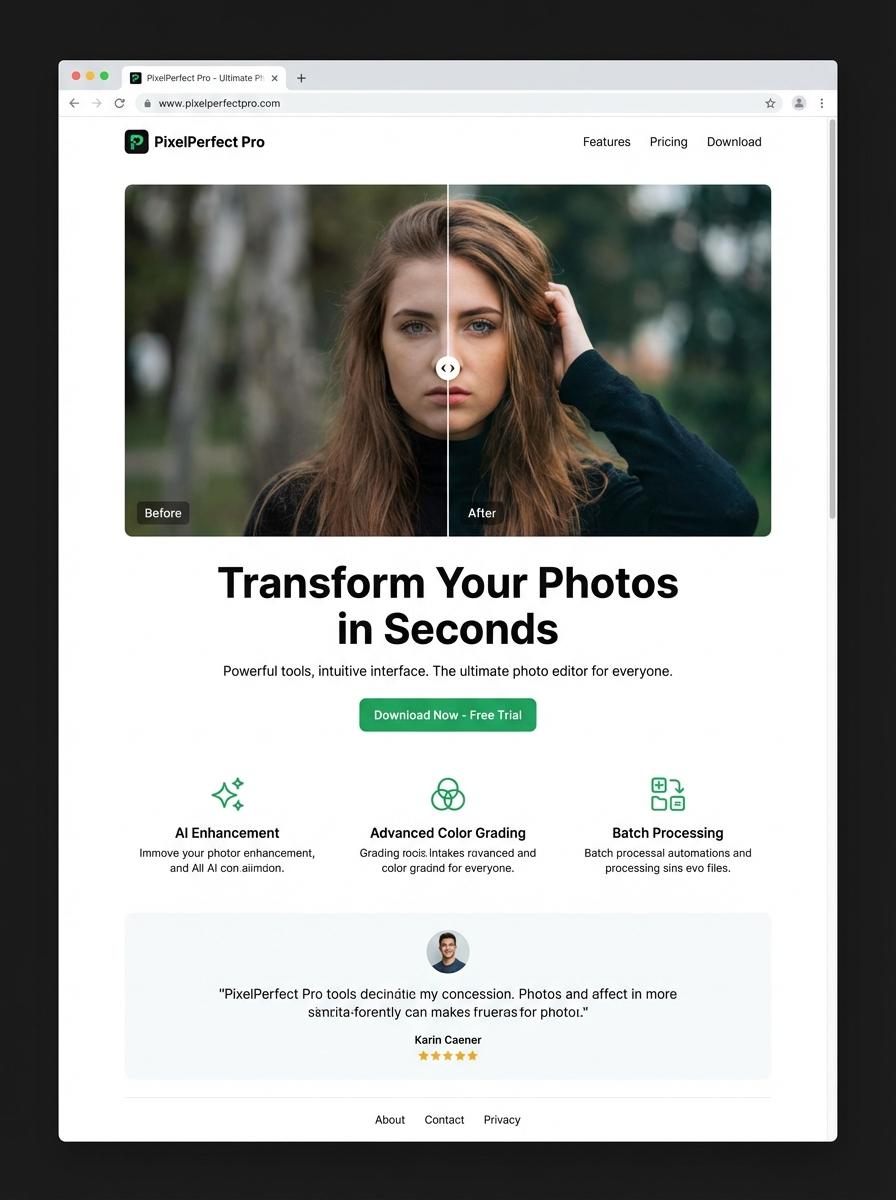
Illustration: Landing page for digital product for Photo Editor
Social Media Post Templates (PSD, PNG, JPG)
Creating Social Media Post Templates in PSD, PNG, and JPG formats allows photo editors to streamline their workflow and maintain consistent branding. These templates support easy customization, enabling quick edits without compromising design quality. High-resolution assets ensure clarity across various platforms and devices.
- Skill needed: Proficiency in Adobe Photoshop and strong understanding of design principles.
- Product requirement: Include layered PSD files with editable smart objects for versatile customization.
- Specification: Provide templates in standard social media dimensions (e.g., 1080x1080 px) with RGB color mode and 300 dpi resolution.
Editable Photo Filters/Presets (XMP, DNG)
Editable Photo Filters and presets in XMP and DNG formats enable seamless adjustments within photo editing software, enhancing workflow efficiency. These formats support non-destructive editing, preserving original image data while applying customizable effects. Designed for professional photographers and hobbyists, they facilitate consistently styled output suited for diverse creative projects.
- Skill needed: proficiency in photo editing software such as Adobe Lightroom or Photoshop for creating and customizing presets.
- Product requirement: filters must be compatible with standard photo editors and support adjustable parameters like exposure, contrast, and color grading.
- Specification: presets should be available in industry-recognized file types (XMP for Lightroom and DNG for raw image manipulation) ensuring broad usability and ease of integration.
Digital Photo Albums/Portfolios (PDF)
Creating a digital photo album in PDF format allows photo editors to showcase their curated portfolios with high-resolution images and professional layouts. This format supports easy sharing and client review while maintaining image quality across different devices. Embedding metadata and captions enhances the viewing experience and provides essential context for each photo.
- Skill needed: Proficiency in photo editing software and Adobe Acrobat or similar PDF editing tools.
- Product requirement: High-resolution image support with optimized file size for quick loading.
- Specification: Interactive elements like clickable links, table of contents, and embedded metadata for better navigation and context.
Stock Photo Bundles (ZIP with PNG/JPG files)
Stock Photo Bundles consist of ZIP archives containing high-resolution PNG and JPG images. These bundles are designed to enhance the workflow of photo editors by providing diverse, royalty-free visual assets. Optimized for easy integration into editing software, they support rapid project execution and creative flexibility.
- Skill Needed: Proficiency in photo editing software such as Adobe Photoshop or Lightroom.
- Product Requirement: Include a well-organized folder structure within the ZIP for different photo categories.
- Specification: Images should be provided in both PNG and JPG formats, with resolutions suitable for print and digital use.
Photo Editing Tutorials (Video or PDF)
Photo Editing Tutorials are designed to enhance the skills of photo editors by providing step-by-step guidance through video or PDF formats. These tutorials focus on key editing techniques such as color correction, retouching, and compositing to improve image quality and creativity. Structured content allows users to learn at their own pace and apply new skills directly within their editing software.
- Skill Needed: Proficiency in photo editing software like Adobe Photoshop or Lightroom.
- Product Requirement: High-quality video resolution or printable PDF format for clear instruction delivery.
- Specification: Tutorials must include examples, before-and-after comparisons, and downloadable resource files.
Customizable Flyers and Brochures (PSD, PDF)
Designing customizable flyers and brochures involves creating layered PSD files with editable text and image placeholders tailored for photo editors. The templates must maintain high resolution and support CMYK color mode for professional printing. PDF export options should preserve quality and include bleed and trim marks for precise cutting.
- Skill needed: Proficiency in Photoshop, understanding of layout design, and color correction techniques.
- Product requirement: High-resolution layered PSD files with editable smart objects and font adjustments.
- Specification: PDF outputs must include bleed, trim marks, and be compatible with standard professional print specifications (300 DPI, CMYK color profile).
Infographic Templates (AI, PSD, PDF)
Infographic templates designed for photo editors streamline the process of visual storytelling by providing customizable AI, PSD, and PDF files. These templates often include layers, vector elements, and editable text to enhance workflow efficiency. A well-crafted template allows photo editors to focus on creativity while maintaining consistent visual quality.
- Skill needed: Proficiency in Adobe Illustrator and Photoshop for editing AI and PSD files.
- Product requirement: High-resolution, fully layered infographic templates compatible with common photo editing software.
- Specification: Editable text fields and scalable vector graphics to ensure adaptability across various project sizes.
Leverage Advanced AI-Powered Photo Editing Tools
Utilize advanced AI-powered photo editing tools to enhance your digital product's appeal. These tools allow for precise, automated adjustments that save time and improve output quality. Highlighting this feature can significantly increase user interest and satisfaction. It positions your product as innovative and user-friendly in the competitive market.
Ensure a Seamless User Experience and Intuitive Interface
A seamless user experience combined with an intuitive interface is crucial for retaining customers. Simplify navigation and reduce learning curves to encourage frequent use. Users value products that are easy to understand and operate without frustration. Prioritize design clarity to boost conversion rates and customer loyalty.
Offer Fast Processing and High-Quality Export Options
Speed and quality are vital for digital product success. Provide fast processing times to keep users productive and engaged. High-quality export options ensure users can confidently use their creations across various platforms. Promoting these features can differentiate your product from slower, lower-quality alternatives.
Provide an Extensive Library of Filters and Creative Effects
An extensive library of filters and creative effects empowers users to personalize their photos with ease. This variety enhances user creativity and satisfaction, increasing the product's value. Regularly update your effects collection to keep content fresh and relevant. This strategy helps maintain long-term user interest.
Ensure Cross-Platform Compatibility and Cloud Sync
Cross-platform compatibility and cloud synchronization enable users to access their projects anytime, anywhere. This flexibility increases convenience and user retention. Cloud sync also provides security and easy backup of important files. Highlight these features to appeal to a broad, mobile-savvy audience.