
Creating a digital product suitable for site managers in the construction sector involves understanding their unique challenges, such as project coordination, resource allocation, and real-time communication. The product should offer intuitive features like task management, progress tracking, and safety compliance tools tailored to construction environments. Efficient integration with existing construction technologies and mobile accessibility enhances productivity on-site. Explore detailed ideas and strategies in the article to develop an effective digital solution for construction site managers.
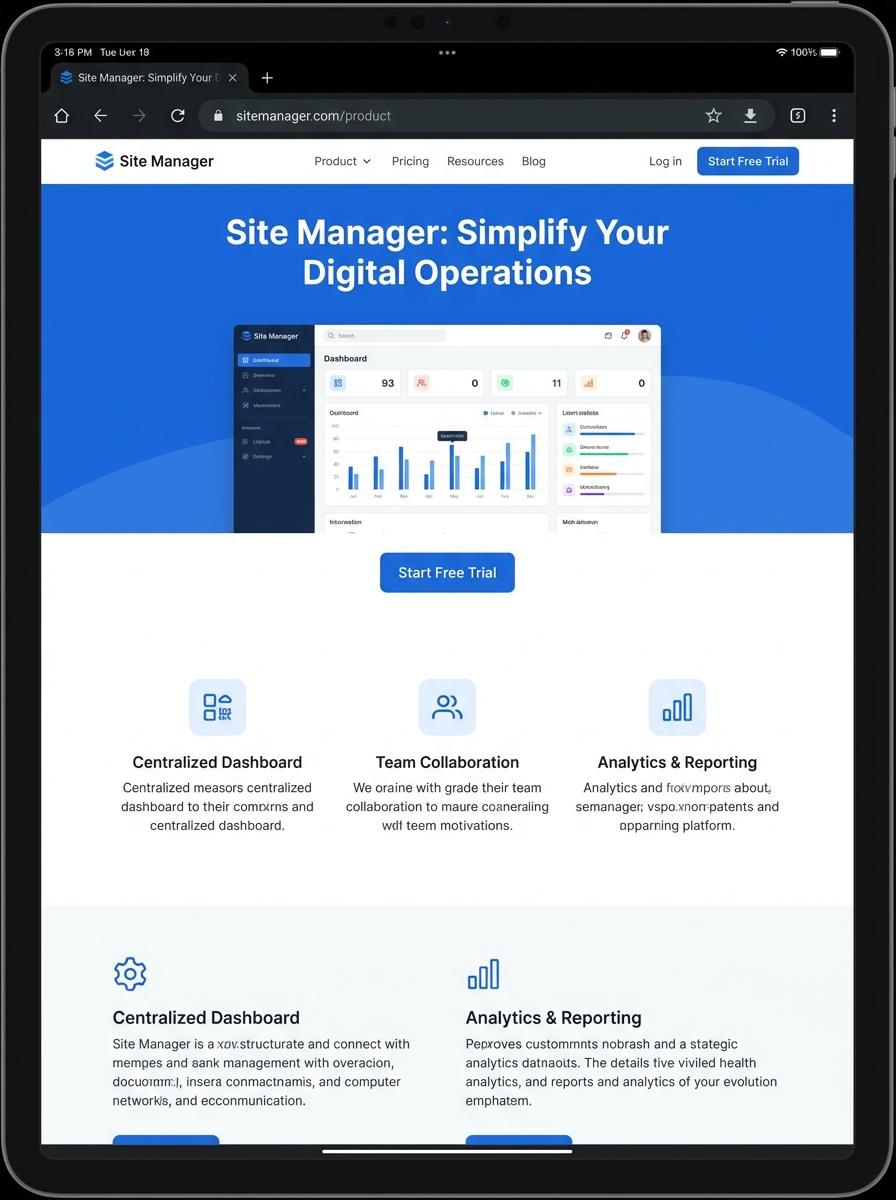
Illustration: Landing page for digital product for Site manager
Site Safety Inspection Checklist (PDF/Excel)
Site managers require a Site Safety Inspection Checklist to systematically identify and address potential hazards on construction sites. The checklist ensures compliance with safety regulations by covering critical inspection points such as equipment condition, worker protective gear, and emergency protocols. Efficient digital formats like PDF and Excel allow for easy customization, data entry, and reporting.
- Skill Needed: Knowledge of construction safety standards and ability to identify common site hazards.
- Product Requirement: Must support editable fields for critical inspection items and include automated date and signature entries.
- Specification: Available in both PDF and Excel formats, compatible with mobile devices for on-site use.
Construction Daily Report Template (Word/Excel)
Creating a Construction Daily Report Template in Word or Excel streamlines daily site management by capturing essential data such as labor hours, equipment usage, and weather conditions. A well-structured template ensures consistent documentation of project progress, safety incidents, and material deliveries. This organized approach enhances communication between site managers and stakeholders, facilitating timely decision-making and project tracking.
- Skills needed: proficiency in Microsoft Word and Excel, understanding of construction site operations, and data entry accuracy.
- Product requirements: customizable fields for labor, equipment, weather, safety, material tracking, and space for remarks or photos.
- Specifications: user-friendly layout, printable format, compatibility across devices, and the ability to export or share reports easily.
Risk Assessment Form (PDF/Word)
Creating a Risk Assessment Form tailored for site managers involves identifying potential hazards and evaluating their impact on workplace safety. The document should clearly outline risk factors, control measures, and responsible personnel to ensure compliance with safety regulations. A well-structured form facilitates efficient risk management and fosters a safer construction environment.
- Skill needed: Knowledge of occupational health and safety standards relevant to construction sites.
- Product requirement: Editable format compatible with PDF and Microsoft Word for ease of updates and sharing.
- Specification: Sections for hazard identification, risk evaluation, mitigation strategies, and signature fields for accountability.
Method Statement Template (Word)
A Method Statement Template in Word format helps site managers systematically document safe work procedures and risk management strategies. It ensures compliance with industry regulations and facilitates clear communication across teams. Customizable fields allow for detailed site-specific operational plans and hazard controls.
- Skill Needed: Proficiency in Microsoft Word and an understanding of construction site safety protocols.
- Product Requirement: Editable template with predefined sections for scope, hazards, controls, and emergency procedures.
- Specification: Compatible with Word 2016 or newer, includes tables, checkboxes, and space for site-specific notes.
Project Schedule Gantt Chart (Excel)
The Project Schedule Gantt Chart in Excel streamlines task management by visually mapping project timelines for site managers. It provides clear insights into overlapping activities and critical deadlines, enhancing on-site coordination. Customizable bars represent task durations, dependencies, and progress, facilitating effective resource allocation.
- Proficiency in Excel functions, including conditional formatting and formula creation.
- The product must include adjustable task bars with start and end dates linked dynamically to the calendar grid.
- Compatibility with mobile and desktop environments to enable access directly on construction sites.
Site Induction Training Video
Creating a Site Induction Training Video for site managers enhances on-site safety and ensures regulatory compliance. The video should cover essential safety protocols, emergency procedures, and site-specific hazards to minimize risks and improve operational efficiency. Clear visuals and concise instructions are critical to facilitate effective learning and retention.
- Skill needed: Expertise in safety regulations and site management practices.
- Product requirement: High-quality video production with clear audio and detailed animations or visuals illustrating safety procedures.
- Specification: Content must comply with local health and safety laws and be easily accessible on multiple devices for on-site use.
Toolbox Talk Presentation Slides (PDF/PowerPoint)
Toolbox Talk Presentation Slides are essential resources designed to enhance site managers' communication of workplace safety protocols. These slides, available in PDF and PowerPoint formats, facilitate clear and consistent delivery of key safety messages, reducing onsite incidents and promoting a culture of vigilance. Site managers benefit from customizable content tailored to industry-specific hazards and regulatory compliance.
- Skill needed: Ability to effectively convey safety procedures and engage construction teams.
- Product requirement: Slides must include editable text and visuals for industry-specific topics.
- Specification: Compatible with PDF readers and PowerPoint software for ease of presentation.
Data-Driven Decision Making
Successful marketing of a digital product hinges on data-driven decision making. By analyzing user behavior and market trends, marketers can craft strategies that directly address consumer needs. Utilizing analytics tools provides measurable insights, allowing for agile adjustments to campaigns. This leads to higher conversion rates and optimized marketing budgets.
Seamless User Onboarding Experience
A seamless user onboarding experience ensures customers quickly understand and engage with your product. A smooth introduction reduces churn rates and builds immediate trust. Clear instructions, intuitive design, and helpful tutorials enhance user satisfaction. This positive start is crucial for long-term retention and advocacy.
Targeted Content Personalization
Targeted content personalization increases relevance and engagement in digital product marketing. By tailoring messages to individual preferences and behaviors, marketers can better connect with their audience. Personalized content drives deeper emotional connections and encourages repeat usage. It also improves overall campaign effectiveness by delivering the right message at the right time.
Scalable Site Performance Optimization
Scalable site performance optimization guarantees your digital product remains fast and reliable as user demand grows. Optimizing load times and server capacity prevents downtime and user frustration. A high-performance site supports improved search rankings and user experience. This scalability is essential for sustained growth and customer satisfaction.
Continuous User Feedback Integration
Integrating continuous user feedback is vital for refining your digital product marketing. Regularly collecting and analyzing customer input helps identify pain points and emerging needs. This feedback loop fosters innovation and responsiveness. Ultimately, it aligns your product with market expectations and boosts loyalty.