
Creating a digital product suitable for video editors in the media sector requires understanding their specific needs, such as advanced editing tools, seamless integration with popular software, and user-friendly interfaces. High performance and compatibility with various file formats ensure efficiency and creativity during the editing process. Meeting these criteria will enhance the workflow of video professionals and attract a loyal user base. Explore the detailed ideas in the article to develop a successful digital product tailored for video editors.
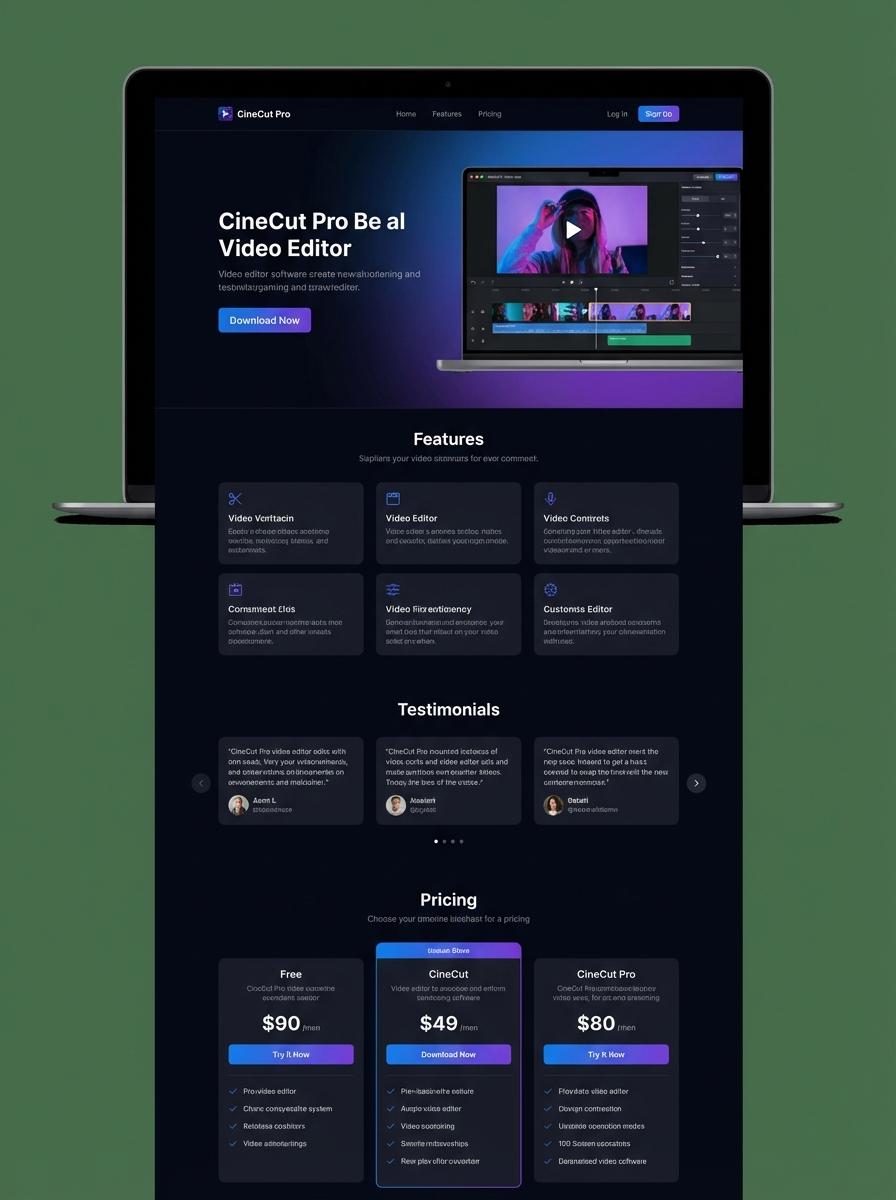
Illustration: Landing page for digital product for video editor
Video intros/outros templates
Creating video intros and outros templates requires a deep understanding of video editing software such as Adobe Premiere Pro or Final Cut Pro. Templates must include customizable elements like text, graphics, and transitions to ensure versatility across different projects. Optimizing file formats and resolution for seamless integration into various video timelines enhances user experience for editors.
- Skills needed: proficiency in motion graphics design, video editing software expertise, and knowledge of animation principles.
- Product requirements: customizable layers, high-resolution support (4K preferred), and compatibility with major video editing programs.
- Specifications: export templates in .mogrt or .prproj formats, include editable placeholders for text and logo, and provide documentation for easy user integration.
Pre-edited stock footage packs
Pre-edited stock footage packs provide video editors with a curated collection of clips formatted for immediate use in various projects. These packs include high-quality footage sequences, color graded and trimmed to enhance editing efficiency. Leveraging pre-edited stock footage reduces production time and maintains visual consistency across edits.
- Skill needed: Proficiency in video editing software such as Adobe Premiere Pro or Final Cut Pro.
- Product requirement: Footage must be delivered in common video formats like MP4 or MOV with 4K resolution options.
- Specification: Clips should be organized by categories (e.g., nature, urban, people) and include metadata for easy search and integration.
Motion graphics overlay packs
Motion graphics overlay packs provide video editors with customizable visual elements to enhance storytelling and improve viewer engagement. These packs often include animated shapes, transitions, and text effects optimized for compatibility with popular editing software. Seamless integration and resolution adaptability are crucial for professional-grade video projects.
- Proficiency in video editing software like Adobe Premiere Pro or Final Cut Pro
- Overlays must support multiple resolutions and aspect ratios, including 4K and HD
- Products should feature easy drag-and-drop usage with transparent backgrounds
Social media video ad templates
Creating social media video ad templates involves designing modular and easily customizable video assets tailored for various platforms like Instagram, Facebook, and TikTok. Video editors must focus on optimizing aspect ratios, duration, and resolution to meet platform specifications and maximize engagement. Incorporating dynamic text layers and brand elements ensures consistency and adaptability across campaigns.
- Skill Needed: Proficiency in video editing software such as Adobe Premiere Pro, After Effects, or Final Cut Pro.
- Product Requirement: Templates must support multiple aspect ratios including 1:1, 9:16, and 16:9.
- Specification: Include customizable text layers, motion graphics, and color presets for quick branding adaptation.
Tutorial or explainer video series
Creating a tutorial or explainer video series demands mastery of video editing software, precision in cutting and syncing clips, and a clear understanding of narrative flow to enhance viewer engagement. Editors must ensure consistency in visual style and pacing across episodes. Effective use of graphics and sound design elevates the educational value of the series.
- Skill needed: Proficiency in editing tools like Adobe Premiere Pro or Final Cut Pro, and basic animation skills for overlays.
- Product requirement: High-resolution source footage with clean audio tracks for clear instructional delivery.
- Specification: Consistent branding elements including intro/outro sequences, lower thirds, and color grading to maintain series cohesion.
Animated title bundles
Creating an animated title bundle offers video editors a versatile solution to enhance video projects with dynamic text elements. These bundles typically include customizable motion graphics that integrate seamlessly with popular editing software. Efficient design and clear organization of assets accelerate the editing workflow and ensure consistent branding.
- Skill needed: Proficiency in motion graphics and animation software such as After Effects or Blender.
- Product requirement: Compatible with widely used video editing platforms like Adobe Premiere Pro and Final Cut Pro.
- Specification: Include various editable templates for different title styles and durations, supporting high-resolution exports.
Video transition effects packs
Video transition effects packs enhance the visual storytelling of digital video projects by providing a variety of seamless scene changes. These packs must include diverse transition styles such as fades, wipes, and motion graphics to cater to different editing needs. A video editor relies on these tools to maintain viewer engagement and improve the flow of content.
- Skill needed: Proficiency in video editing software like Adobe Premiere Pro, Final Cut Pro, or DaVinci Resolve.
- Product requirement: High-quality, customizable transition presets compatible with major video editing platforms.
- Specification: Support for 4K resolution and optimized render performance for fast editing workflow.
User-Friendly Interface for Seamless Editing Workflow
A user-friendly interface is essential for ensuring a smooth and efficient editing experience. Intuitive controls and clear navigation reduce the learning curve, allowing marketers to focus on creativity rather than technical complexities. This seamless workflow accelerates project completion and enhances productivity. Prioritizing usability helps retain customers and supports consistent output quality.
Advanced AI-Powered Video Enhancement Features
Integrating AI-powered video enhancement features revolutionizes digital product marketing by producing high-quality visuals effortlessly. These tools automatically improve color grading, stabilization, and resolution, saving time and resources. Leveraging AI boosts content appeal and engagement, which drives better marketing results. Staying ahead with advanced technology ensures a competitive edge in the market.
Fast Export and Rendering Speeds for Efficiency
Fast export and rendering speeds are critical to maintaining productivity in digital marketing campaigns. Quick turnaround times allow for rapid content updates and timely delivery, essential for dynamic marketing strategies. Efficiency in processing video assets reduces downtime and accelerates campaign launches. Optimizing speed directly impacts the overall success of marketing efforts.
Cross-Platform Compatibility (Windows, Mac, Mobile)
Cross-platform compatibility ensures that digital products and marketing tools function seamlessly across Windows, Mac, and mobile devices. This flexibility accommodates diverse user preferences and enhances accessibility. Marketers can efficiently collaborate and manage projects without device restrictions. Supporting multiple platforms broadens audience reach and improves user satisfaction.
Affordable Pricing and Flexible Subscription Options
Offering affordable pricing with flexible subscription models makes digital marketing tools accessible to a wider audience. Cost-effective solutions enable startups and small businesses to compete alongside larger companies. Customizable plans cater to varying needs and budgets, enhancing customer retention. Transparent and reasonable pricing builds trust and loyalty in the digital marketplace.